Write, draw or type
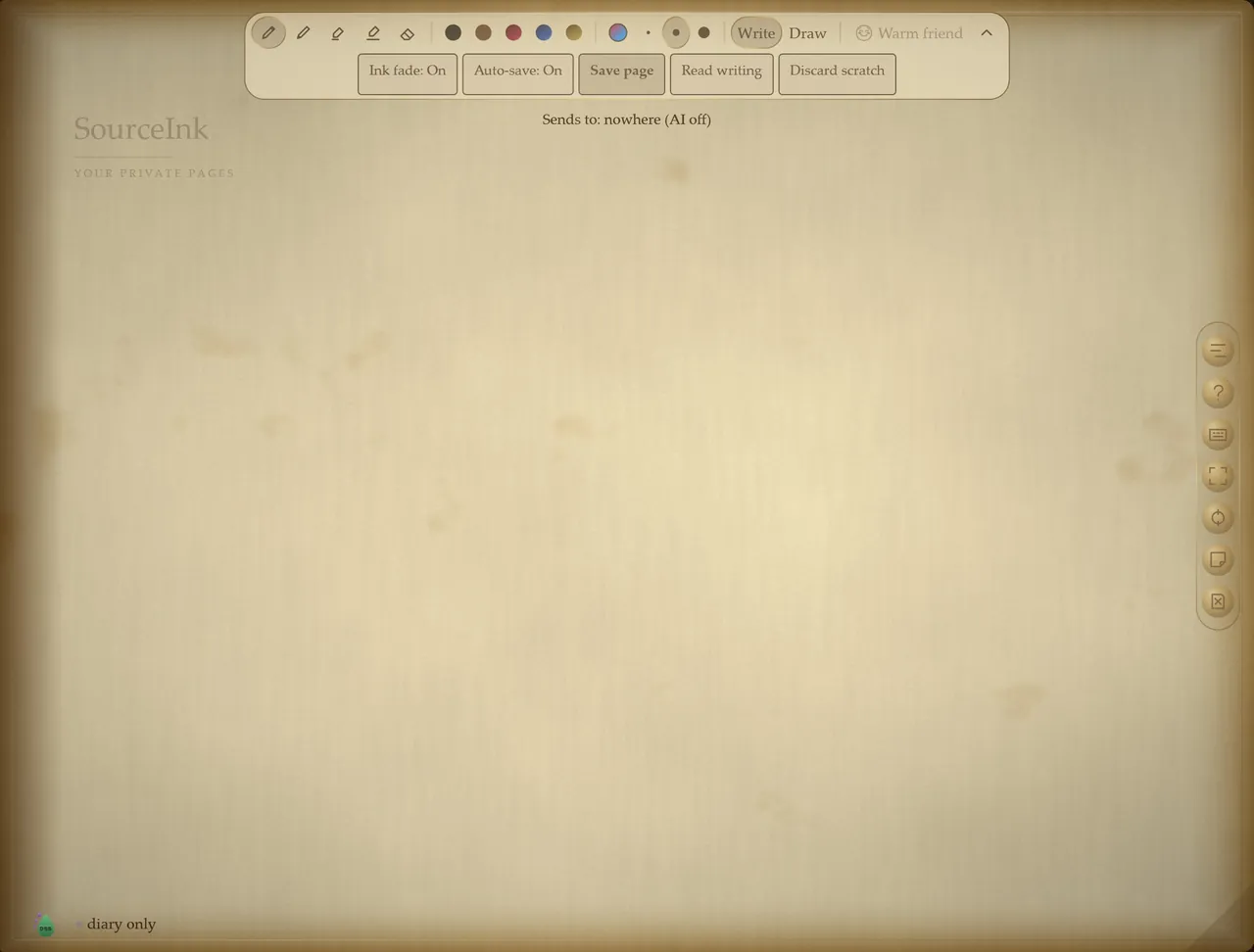
Choose black, aged paper, parchment or slate. Add guides, pick your ink, place text on a sketch and export your work. The quick guide is always one press of F1 away.
Windows app · Free
A private notebook. A pen-friendly canvas. AI when you choose it.
Handwriting, drawing and typed notes together on textured Windows pages. Start writing or drawing without creating an account, and ask for an AI reply or drawing feedback only when it helps.
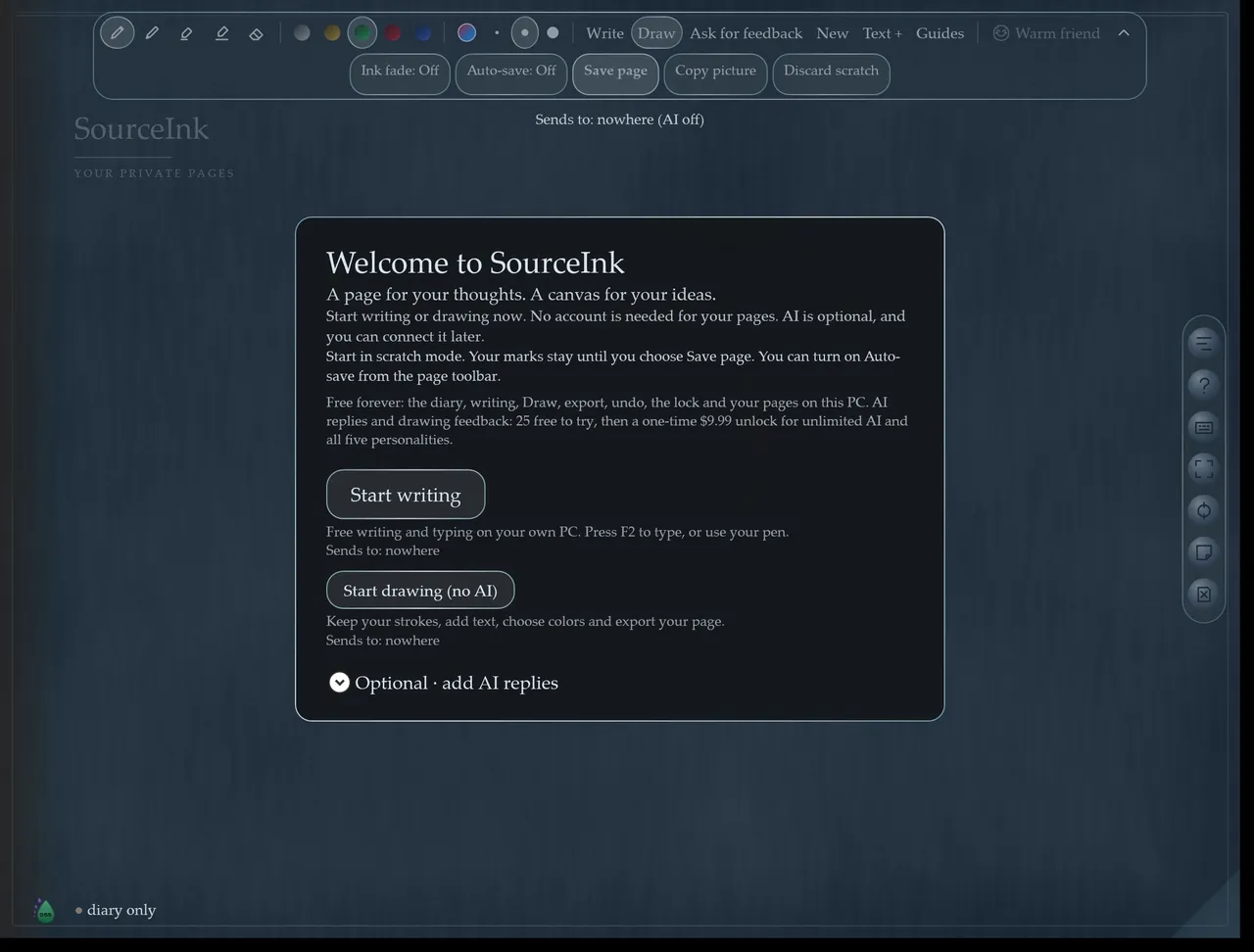
Everything below is in the version on the Microsoft Store today.
Choose black, aged paper, parchment or slate. Add guides, pick your ink, place text on a sketch and export your work. The quick guide is always one press of F1 away.
Ink fade and Auto-save switches sit right on the page toolbar, with Save page and Discard scratch beside them. Ctrl+S saves deliberately.
In Draw, Copy picture puts your artwork on the clipboard for a message, document or post without creating a journal page. Export starts with a PNG picture.
Your pages are stored on your PC. There's a Windows Hello lock, and no account to create. Read the privacy policy.
Get a reply to your writing or feedback on a drawing. Connect a local Ollama model, sign in to OpenRouter for its free-model route, or use your own compatible service.
Before anything is sent, a “Sends to” line names the destination. Cloud content goes only to the service you approve; that provider's privacy terms, limits and any charges apply.
Your everyday notebook and canvas are free. The unlock is only about AI.
| Feature | Free | With the unlock |
|---|---|---|
| Writing, drawing, undo and export | Yes | Yes |
| Windows Hello lock and locally stored pages | Yes | Yes |
| AI replies and drawing feedback | 25 uses to try | Unlimited in the app |
| AI personalities | — | All five |
| Price | Free | One-time, $9.99 in the US (the Store shows your local price) |
No subscription. Your chosen AI provider is separate, and its own terms, limits and any charges apply. Purchases are handled by the Microsoft Store.
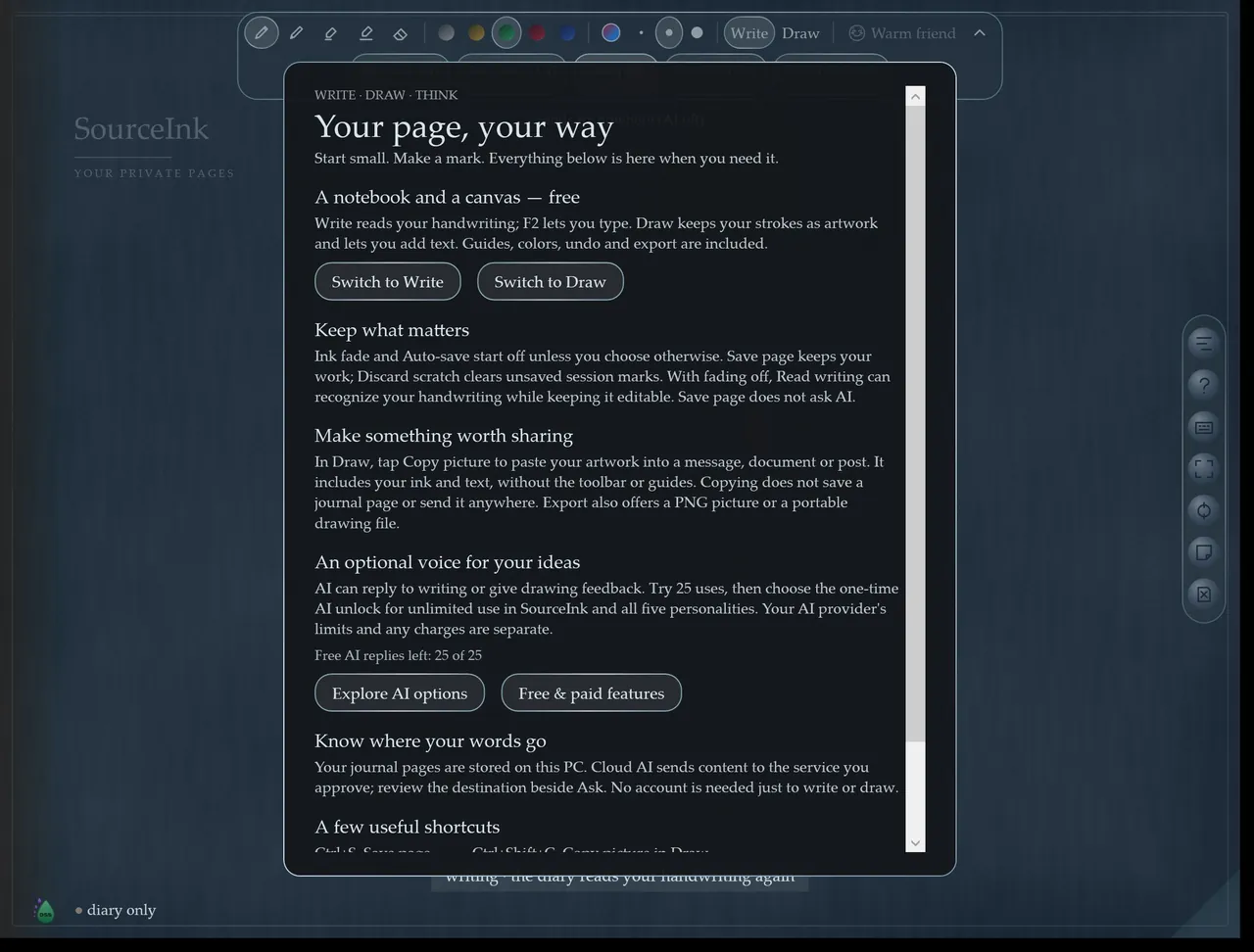
No. You can start writing or drawing right away. Cloud AI services you choose to connect may have their own accounts.
Yes. Writing, drawing, undo, export, the Windows Hello lock and your locally stored pages all work without AI and without the unlock.
It's saved on your PC. When you ask for an AI reply, the “Sends to” line tells you where it goes first. With a local Ollama model, it stays on your PC. The privacy policy has the details.
Windows PCs with x64 or Arm64 processors, installed from the Microsoft Store.
Email kyle@dripstaticstudios.com or see Support.
Sister app
Check any AI answer against your own files, claim by claim, with the exact quote. Works fully offline by default.
Free on the Microsoft Store. No account, no subscription.
Built by Dripstatic Studios · Published by Lloyd's Local Services LLC